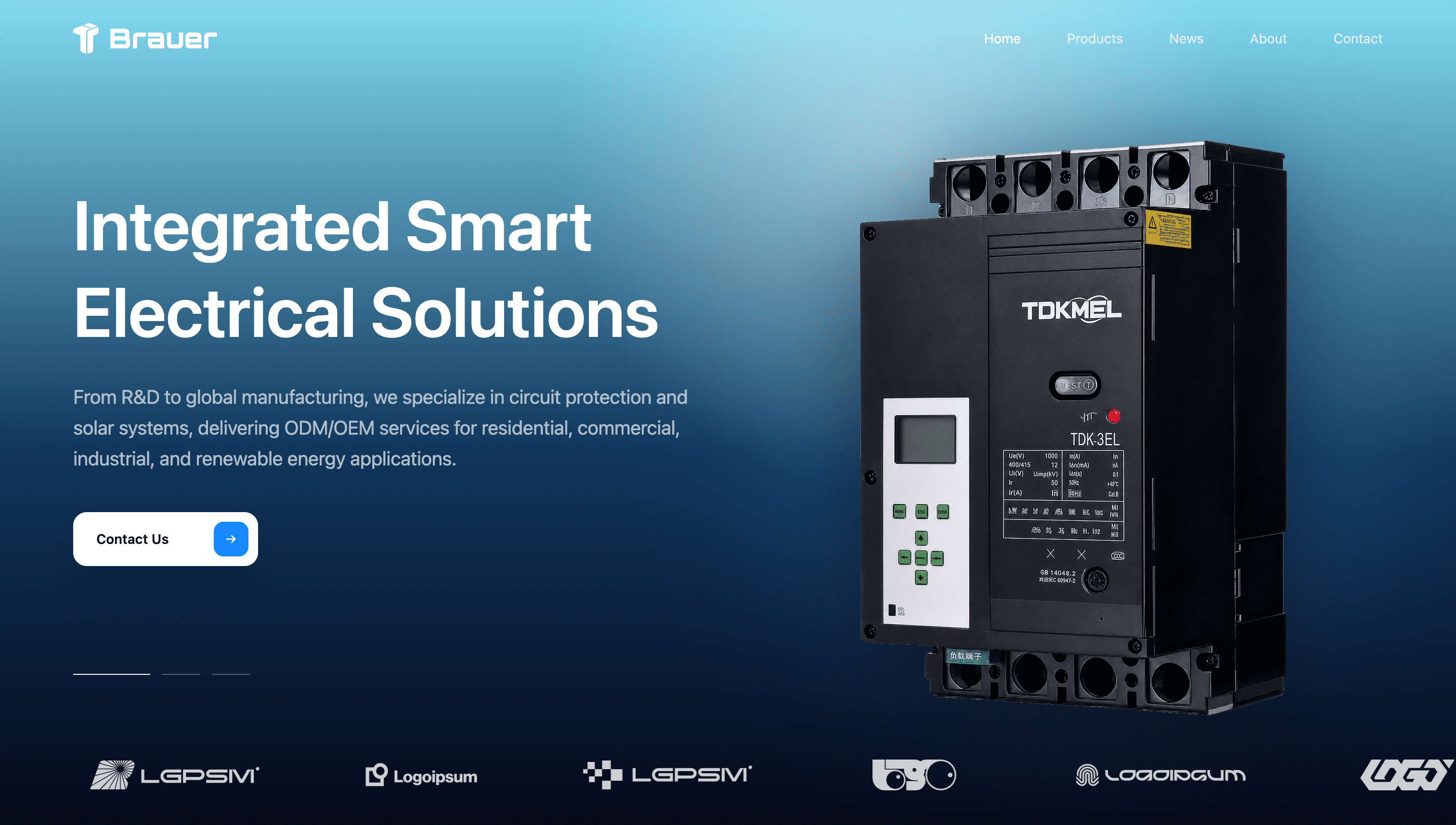
Global TradeIndustrial
industrial B2B website
Rebuild/optimize the Brauer Industrial smart electrical solutions homepage.
Rebuild/optimize the Brauer Industrial smart electrical solutions homepage.
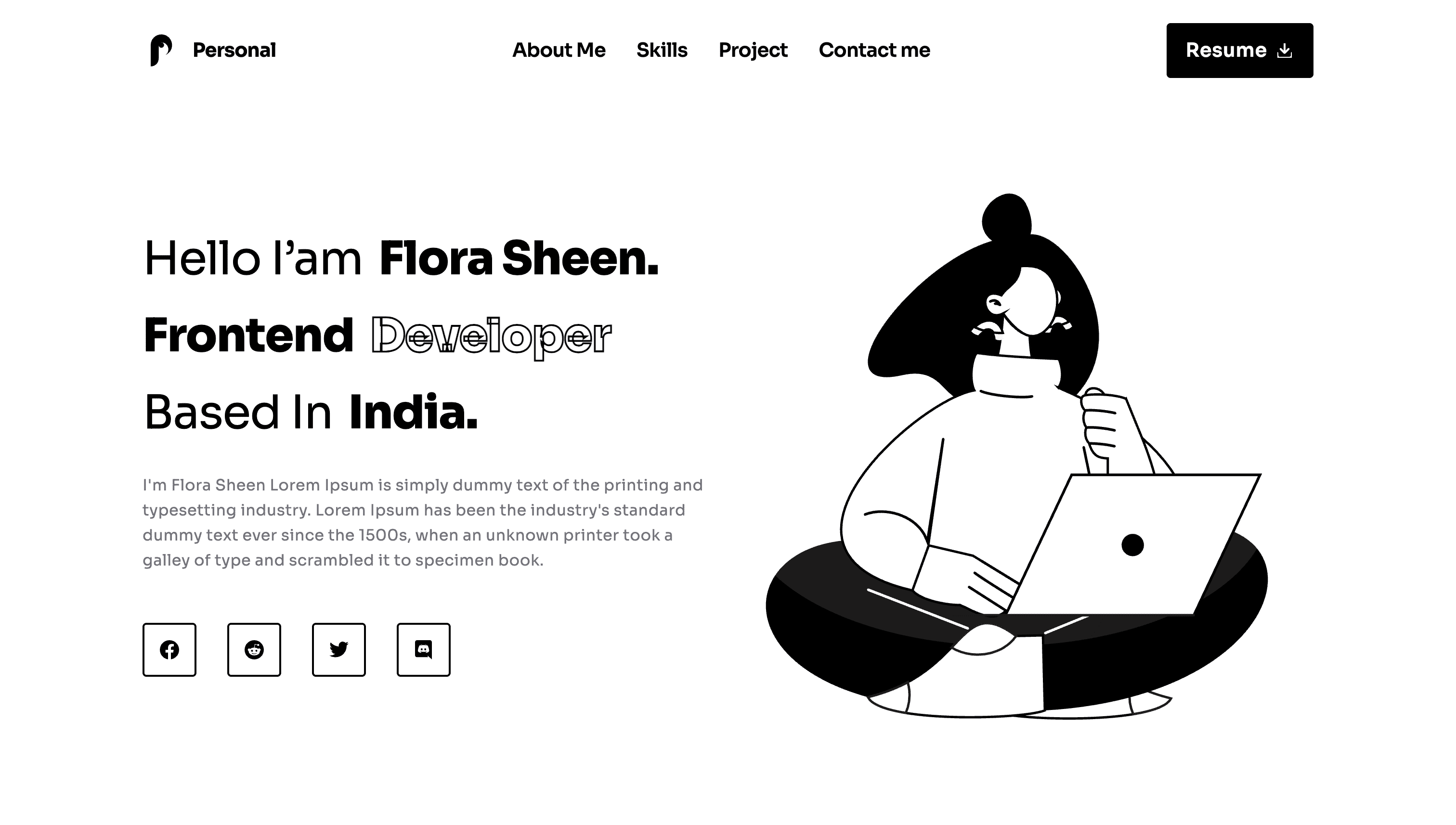
Create a high-fidelity personal portfolio landing page for Flora Sheen, a frontend developer based in India.
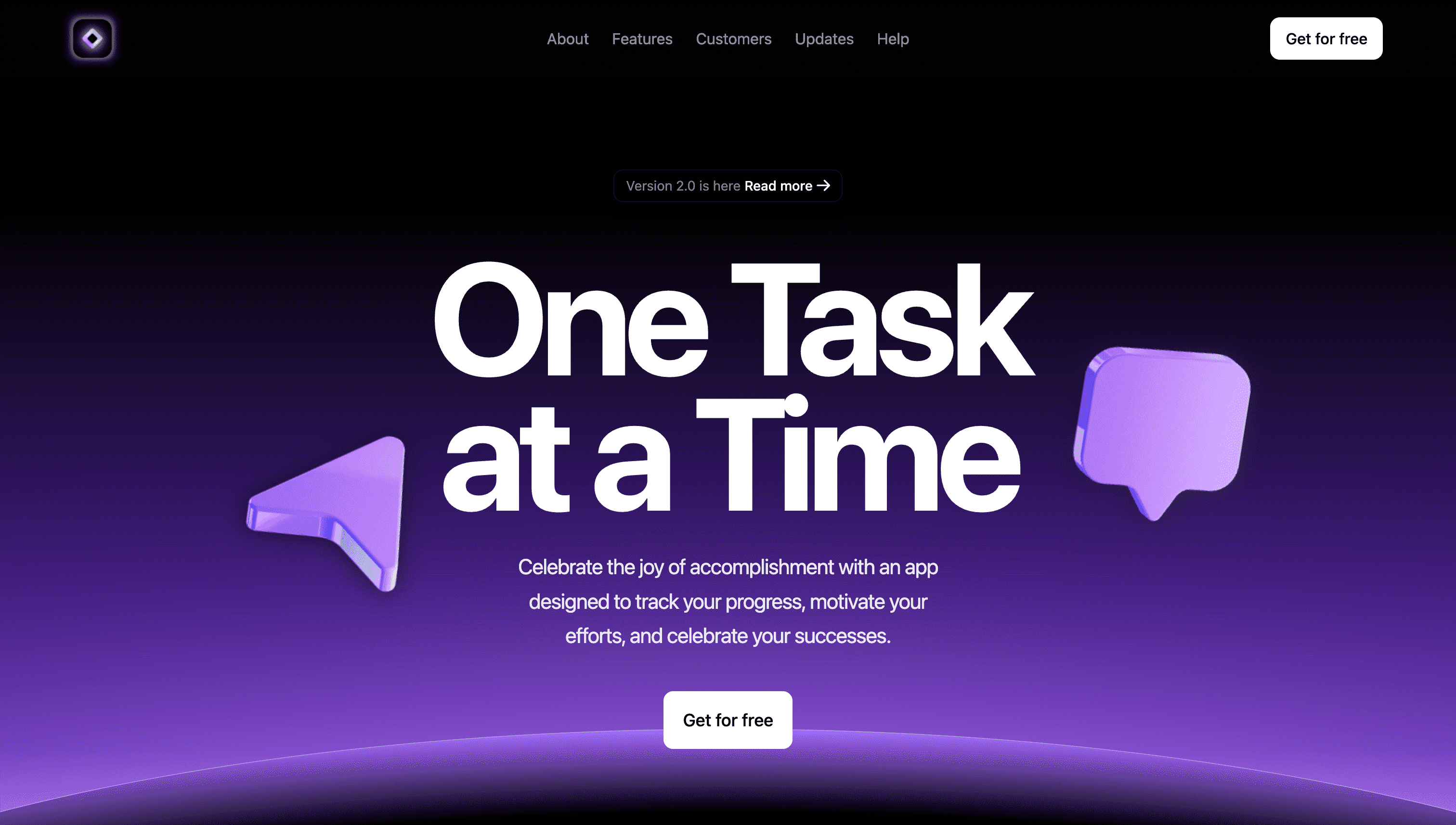
Rebuild/optimize a dark SaaS task management landing page with the theme “One Task at a Time”. Reuse the existing images, logo, icons, and motion assets as much as possible. Do not introduce new visual assets unless the existing ones are insufficient for the layout. Page structure: 1. Top Navigation - Use a fixed top navigation bar with a semi-transparent black background, subtle backdrop blur, and a thin bottom divider. - Show the app logo on the left. - Show these navigation links on the right: About, Features, Customers, Updates, Help. - On desktop, show the navigation links and a “Get for free” button. - On mobile, use a menu button to expand the navigation. The expanded menu should show all navigation links and the button. 2. Hero Section - The hero should be full-screen height, with content centered horizontally and vertically. - The background should transition from black to purple and light pink-purple. - Keep this hero background gradient: `linear-gradient(#000 15%, #5926b6 78.6494%, #e6a9fd 100%)` - Leave enough top spacing so the content is not covered by the fixed navigation. - The centered content should have a max width of about 768px. - Badge: - Text: “Version 2.0 is here” - Use the read more arrow icon on the right - Background: white at 10% opacity - Border: white at 20% opacity - Fully rounded corners - Subtle backdrop blur - Main headline: “One Task at a Time” - Use a large desktop font size and keep strong visual impact on mobile - Bold font weight - Tight line height, but avoid overlapping text - Subheading: “Celebrate the joy of accomplishment with an app designed to track your progress, motivate your efforts, and celebrate your successes.” - Max width around 576px - White at 70% opacity - Center aligned - Primary button: - Text: “Get for free” - White background, black text - Border radius around 12px - Slight scale-up on hover 3. Hero Floating Icons - Keep 4 floating icons in the hero section. - Show them on desktop and hide them on mobile. - All icons should use absolute positioning. - Place them above the hero background layer but outside the main text area. - They must not cover the headline, subheading, or button. - The icons can animate in with subtle y-axis movement and opacity. Top-left main floating icon: - Image: `https://ugc.talizen.com/_assets/site/2057712170845605888/1779431806081__img_4.png` - Position: - `left: 10%` - `top: 25%` - Size: - Around `128px` wide on desktop - Around `96px` wide on smaller desktop screens - Visibility: - Show on large screens - Hide on mobile - Suggested animation: - Initial `y: 20px` - Initial opacity `0` - Animate to `y: 0` - Animate to opacity `1` - Duration around `1s` - Delay around `0.2s` Top-right main floating icon: - Image: `https://ugc.talizen.com/_assets/site/2057712170845605888/1779431806166__img_5.png` - Position: - `right: 10%` - `top: 33%` - Size: - Around `128px` wide on desktop - Around `96px` wide on smaller desktop screens - Visibility: - Show on large screens - Hide on mobile - Suggested animation: - Initial `y: -20px` - Initial opacity `0` - Animate to `y: 0` - Animate to opacity `1` - Duration around `1s` - Delay around `0.4s` Bottom-left supporting floating icon: - Image: `https://ugc.talizen.com/_assets/site/2057712170845605888/1779431806198__img_6.png` - Position: - `left: 5%` - `bottom: 30%` - Size: - Around `80px` wide - Opacity: - `opacity: 0.5` - Visibility: - Show on large screens - Hide on mobile Bottom-right supporting floating icon: - Image: `https://ugc.talizen.com/_assets/site/2057712170845605888/1779431806217__img_7.png` - Position: - `right: 5%` - `bottom: 40%` - Size: - Around `80px` wide - Opacity: - `opacity: 0.5` - Visibility: - Show on large screens - Hide on mobile 4. Hero Bottom Planet / Glowing Arc - Keep the bottom arc as the main visual background element of the hero. - Size and position: - Position: absolute - Desktop: `bottom: -570px` - Mobile: `bottom: -600px` - Horizontally centered: `left: 50%` + `transform: translateX(-50%)` - Desktop width: `160%` - Mobile width: `300%` - Height: `783px` - Border radius: `100%` - Border: `1px solid #B48CDE` - Opacity: `1` - Keep this background: `radial-gradient(64.4% 50%, #000 77.986%, #a068fc 100%)` - Keep this glow: `box-shadow: 0 0 250px #e6a9fb99` 5. Logo Ticker - Use a black background. - Add very subtle white dividers at the top and bottom. - Text: “Trusted by the world’s most innovative teams” - Use small gray text with an uppercase feel and wide letter spacing. - Use the existing partner logo images. - Display the logos in a horizontal scrolling ticker. - The ticker can pause on hover. - Logos should be grayscale and semi-transparent by default, then become colorful and more opaque on hover. 6. Features Section - Use a black background. - Title: “Everything you need” - Three feature cards: - Integration ecosystem - Goal setting and tracking - Secure data encryption - Each card should use a black background and a white border at 10% opacity. - On hover, the border should become semi-transparent purple with a subtle brightness change. - Use the existing white-background feature icon near the top-left of each card. - Icon container size should be around 48px x 48px with about 8px border radius. - On hover, the icon container should slightly scale up. 7. Product Showcase - Title: “Intuitive interface” - Keep this background gradient: `linear-gradient(#000 0%, #5d2ca9 100%)` - Use the dashboard screenshot asset. - Center the screenshot and display it at a large size. - The screenshot container can have rounded corners, a thin border, and a purple shadow. - The screenshot can subtly fade upward when entering the viewport. 8. FAQ Section - Title: “Frequently asked questions” - Keep this FAQ outer background gradient: `linear-gradient(#5d2ca9 0%, #000 100%)` - Questions: - Is there a free trial available? - Can I cancel my subscription at any time? - How do you handle data security? - Do you offer discounts for educational institutions? - Use the existing plus icon. - When expanded, rotate the plus icon by 45 degrees. - Separate questions with white dividers at 10% opacity. - Use gray answer text with comfortable line height. 9. Sign Up Section - Use a black background. - Title: “Get instant access” - Subheading: “Join thousands of satisfied users and start managing your tasks efficiently today.” - Email input placeholder: “name@email.com” - Button: “Get access” - On desktop, lay out the form horizontally. - On mobile, stack the form vertically. - The input should use a dark semi-transparent background and a semi-transparent white border. - The button should use a white background and black text, with a slight scale-up on hover. - Keep the left and right decorative images: - Left decoration: positioned at the left edge, vertically centered, around 192px wide, around 256px wide on desktop, opacity 0.5. - Right decoration: positioned at the right edge, vertically centered, around 192px wide, around 256px wide on desktop, opacity 0.5. - Decorative images must not cover the title, text, or form. 10. Footer - Use a black background. - Add a very subtle white top divider. - Show the copyright text on the left: “@ 2024 Your Company, Inc. All rights reserved” - Show social icons on the right. - Social icon size should be around 24px x 24px. - On hover, icons can change opacity slightly. Visual style: - The overall style should be a premium dark SaaS landing page. - Main colors: black, white, and glowing purple gradients. - Avoid excessive ornamentation; keep it refined, restrained, and clear. - Max content width should be around 1280px. - The hero section should have the strongest visual impact. - Other sections should keep a clean visual rhythm. - On mobile, avoid text overlap, button overflow, and image obstruction. - Do not add tutorial or explanatory text. - Do not create a marketing placeholder page. The first screen must immediately present the actual landing page. Prioritize reusing these existing assets: Logo: https://ugc.talizen.com/_assets/site/2057710222176161792/1779431769003__img_1.png Read more arrow: https://ugc.talizen.com/_assets/site/2057710222176161792/1779431768986__svg_0.svg Hero floating icons: https://ugc.talizen.com/_assets/site/2057712170845605888/1779431806081__img_4.png https://ugc.talizen.com/_assets/site/2057712170845605888/1779431806166__img_5.png https://ugc.talizen.com/_assets/site/2057712170845605888/1779431806198__img_6.png https://ugc.talizen.com/_assets/site/2057712170845605888/1779431806217__img_7.png Partner logos: https://ugc.talizen.com/_assets/site/2057712170845605888/1779431806080__img_8.png https://ugc.talizen.com/_assets/site/2057712170845605888/1779431806171__img_9.png https://ugc.talizen.com/_assets/site/2057712170845605888/1779431806076__img_10.png https://ugc.talizen.com/_assets/site/2057712170845605888/1779431806126__img_11.png https://ugc.talizen.com/_assets/site/2057712170845605888/1779431806304__img_12.png https://ugc.talizen.com/_assets/site/2057712170845605888/1779431805755__img_13.png Feature icon: https://ugc.talizen.com/_assets/site/2057712170845605888/1779431806090__svg_14.svg Dashboard: https://ugc.talizen.com/_assets/site/2057712170845605888/1779431806083__img_15.png FAQ plus: https://ugc.talizen.com/_assets/site/2057712170845605888/1779431806181__svg_16.svg CTA decorations: https://ugc.talizen.com/_assets/site/2057712170845605888/1779431806147__img_17.png https://ugc.talizen.com/_assets/site/2057712170845605888/1779431806090__img_18.png Footer social icons: https://ugc.talizen.com/_assets/site/2057712170845605888/1779431806196__svg_19.svg https://ugc.talizen.com/_assets/site/2057712170845605888/1779431806195__svg_20.svg https://ugc.talizen.com/_assets/site/2057712170845605888/1779431806146__svg_21.svg https://ugc.talizen.com/_assets/site/2057712170845605888/1779431806186__svg_22.svg https://ugc.talizen.com/_assets/site/2057712170845605888/1779431806025__svg_23.svg https://ugc.talizen.com/_assets/site/2057712170845605888/1779431805709__svg_24.svg
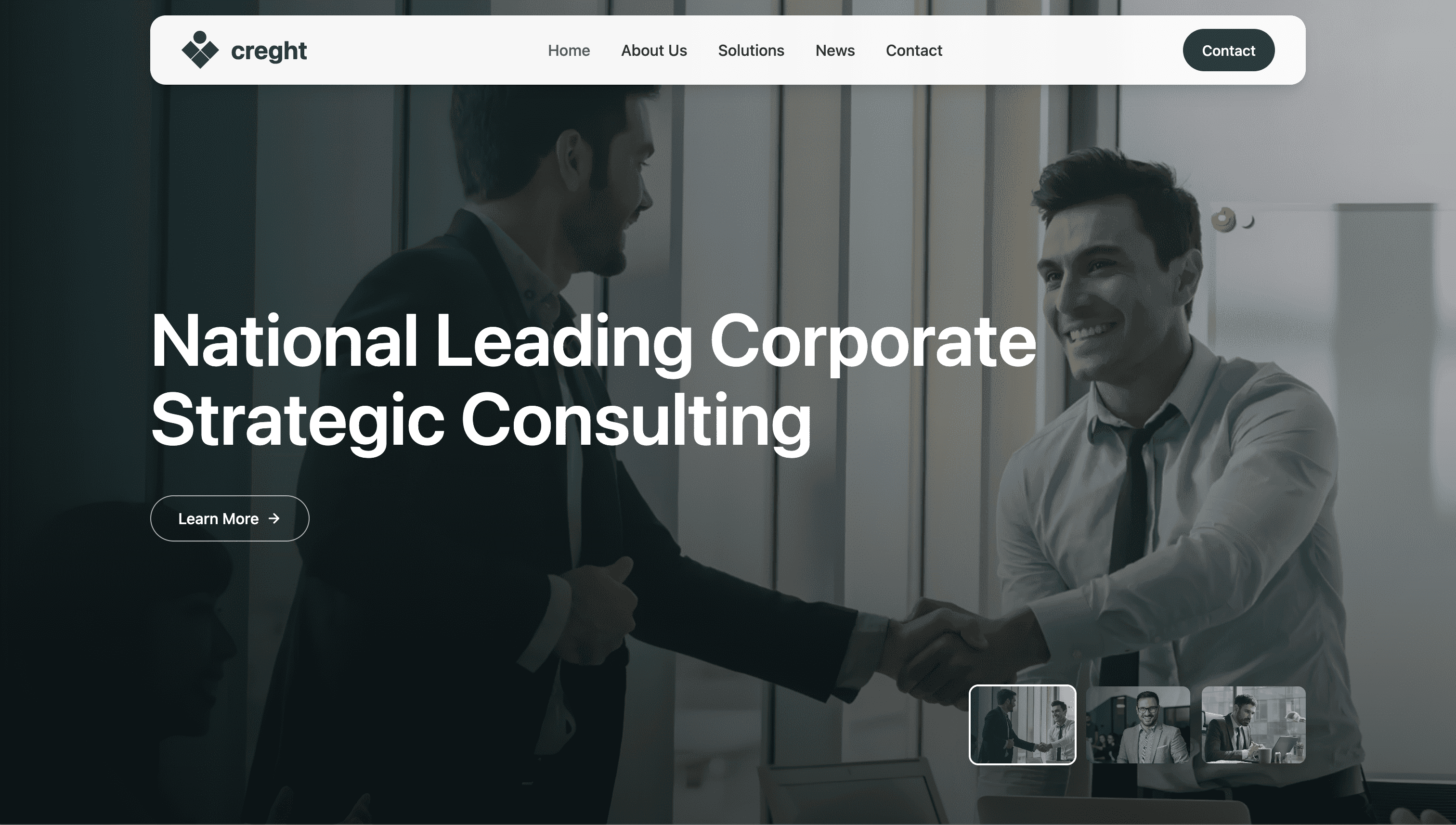
Rebuild/optimize a premium corporate strategic consulting landing page for “Creght” / “creght”. Reuse the existing images, logo, icons, carousel, video, and logo ticker assets as much as possible. Do not introduce new visual assets unless the existing ones are insufficient. Overall style: - Premium enterprise consulting website. - Clean, strategic, trustworthy, executive-facing. - Main colors: deep green #054640, dark teal #16302e, white, soft off-white backgrounds. - Use rounded 8px cards and restrained shadows. - Max content width around 1200px. - Keep strong visual rhythm between full-screen hero, light about section, dark solutions section, project carousel, news, partner logos, and footer. - Make the page fully responsive. Avoid text overlap, button overflow, and image obstruction on mobile. Page structure: 1. Fixed Top Navigation - Use a fixed top navigation bar. - Header should sit above the hero with high z-index. - Nav container: - max width around 1200px - height around 72px - white / near-white background with slight transparency - rounded corners around 16px - subtle shadow - backdrop blur - Show the logo on the left: - Logo icon: https://ugc.talizen.com/_assets/site/2057781317818388480/1779448307160__svg_42.svg - Text: “creght” - Text color: #054640 - Desktop nav links on the right: - Home - About Us - Solutions - News - Contact - Highlight “Home” in teal. - Add a Contact button on desktop: - dark green background #054640 - white text - pill shape - hover opacity change - On mobile/tablet, hide the full link group and keep layout clean. 2. Hero Section / Full-Screen Carousel - Full viewport height with minimum height around 640px. - Use an image carousel with autoplay and looping behavior. - Slides should fill the entire viewport with object-cover images. - Add a dark gradient overlay: - from black/55 at bottom - through black/20 - to black/10 at top - Hero content: - vertically centered - aligned left inside max-width 1200px container - top/bottom padding so it does not collide with fixed nav - Headline should change based on the active slide. - Large desktop headline around 76px, mobile around 40px. - Font weight semi-bold, tight but safe line-height. - CTA button: - Text: “Learn More” - outline white button - rounded full - arrow icon on the right - arrow rotates slightly on hover - Hero slides: - Image 1: https://ugc.talizen.com/_assets/site/2057781317818388480/1779448307199__img_0.png Title: “National Leading Corporate Strategic Consulting” - Image 2: https://ugc.talizen.com/_assets/site/2057781317818388480/1779585468053__hero_02.jpg Title: “Build Future Ready Business Growth Systems” - Image 3: https://ugc.talizen.com/_assets/site/2057781317818388480/1779585468067__herojpg.jpg Title: “Transform Strategy Into Measurable Results” - Add thumbnail navigation at the bottom-right: - 3 thumbnails - rounded 8px - active thumbnail has white ring - inactive thumbnails semi-transparent and brighten on hover - desktop size around 108px x 80px - mobile size around 96px x 72px 3. About Section - Background: #f8fbfa - Layout: - two-column grid on desktop - stacked on mobile - generous vertical padding - Section title: - “Your Trusted” - “Strategic Partner” - first line lighter weight, second line semi-bold - color #054640 - Left visual: - use a large decorative background SVG: https://ugc.talizen.com/_assets/site/2057781317818388480/1779524133414__logoempty.svg - place a circular image over it: https://ugc.talizen.com/_assets/site/2057781317818388480/1779448307203__img_6.png - centered play button icon: https://ugc.talizen.com/_assets/site/2057781317818388480/1779448307558__svg_7.svg - play button opens a video modal. - Video modal: - dark full-screen overlay - centered 16:9 iframe - YouTube video ID: ysz5S6PUM-U - close button at top-right - close on Escape and overlay click - Right content: - dark green Learn More button - descriptive paragraph: “As one of the leading enterprises in the domestic industry, Herong Co., Ltd. adheres to the sustainable development strategy, based on the technology industry, cutting into the field of industrial products and financial industry, and fully practicing the construction of industrial civilization.” - emphasize first clause in #054640 and make secondary sentence muted gray. - Metrics: - “3000+ Trusted by Enterprises” - “98% Client Satisfaction Rate” - animate numbers upward when entering viewport - desktop two columns, second metric separated by subtle vertical divider 4. Strategic Solutions Section - Background: #16302e - Add decorative image positioned top-right and partially outside the section: https://ugc.talizen.com/_assets/site/2057781317818388480/1779448307839__img_19.png - Section title: - “Professional” - “Strategic Solutions” - white text - Add Contact Us button with white background and dark green text. - Four solution cards in a 2-column desktop grid, stacked on mobile. - Card style: - min-height around 360px - border #345250 - rounded 8px - dark transparent look - on hover, background shifts to #054640 and border becomes transparent - on hover, show background image with opacity around 55%: https://ugc.talizen.com/_assets/site/2057781317818388480/1779448307323__img_11.png - Each card has: - circular icon container - title - description - “Consult Now” link with arrow - Cards: - Sustainability & ESG Consulting Icon: https://ugc.talizen.com/_assets/site/2057781317818388480/1779448307573__svg_12.svg Text: “Focusing on computing, supercomputing, and intelligent computing scenarios, providing high-efficiency network solutions with high throughput and low latency.” - Business Strategy Development Icon: https://ugc.talizen.com/_assets/site/2057781317818388480/1779448307551__svg_15.svg Text: “Focusing on the overall market landscape, we provide tailored business strategy solutions to help your enterprise scale effectively.” - Corporate Training Programs Icon: https://ugc.talizen.com/_assets/site/2057781317818388480/1779448307613__svg_16.svg Text: “Enhance your team's capabilities with our professional training and development programs designed for future-ready organizations.” - Customer Experience Solutions Icon: https://ugc.talizen.com/_assets/site/2057781317818388480/1779448307811__svg_17.svg Text: “Transform your customer interactions into lasting relationships with our advanced experience management frameworks.” 5. Collaboration Project Cases Carousel - Light background. - Section title: - “Collaboration” - “Project Cases” - Add previous and next circular arrow controls. - Use a horizontal carousel with centered active slide. - Cards should be large image cards with rounded corners. - Active slide has an overlapping dark green information panel near the bottom. - Case images: - https://ugc.talizen.com/_assets/site/2057781317818388480/1779448307339__img_23.png - https://ugc.talizen.com/_assets/site/2057781317818388480/1779448307202__img_24.png - https://ugc.talizen.com/_assets/site/2057781317818388480/1779448307388__img_25.png - Case titles: - Enterprise Growth Strategy - Miniso Global Super Brand - Global Market Expansion - Digital Operations Upgrade - Brand Value Acceleration - Info panel: - dark green #054640 - white title - white/65 description - Consult Now link with arrow 6. Latest Industry News Section - Background gradient from #f2f8f6 to white. - Desktop layout: - left column with section title and View All button - right column with news list - Section title: - “Latest” - “Industry News” - News cards: - white background - rounded 8px - subtle shadow - hover stronger shadow - image on left, text on right for desktop - stacked on mobile - News items: - Image: https://ugc.talizen.com/_assets/site/2057781317818388480/1779448307079__img_26.png Title: “Solving new energy consumption problems with microgrids” - Image: https://ugc.talizen.com/_assets/site/2057781317818388480/1779448307392__img_28.png Title: “Building a 100-billion-level ecosystem in Changzhou” - Image: https://ugc.talizen.com/_assets/site/2057781317818388480/1779448307084__img_29.jpg Title: “Future trends of global industrial strategic development” - Add category pill “Industry News”. - Date text: “2025.09.22”. - Add “View Details” link with arrow. 7. Partner Logo Ticker - Use a horizontal infinite scrolling marquee. - Place after news section. - Cards: - light green-gray background #f3f9f7 - rounded 8px - desktop size around 220px x 132px - mobile size around 168px x 108px - Duplicate logos in the marquee for seamless scrolling. - Logo assets: - https://ugc.talizen.com/_assets/site/2057781317818388480/1779605348976__logoipsum_1.svg - https://ugc.talizen.com/_assets/site/2057781317818388480/1779605348915__logoipsum_2.svg - https://ugc.talizen.com/_assets/site/2057781317818388480/1779605348984__logoipsum_3.svg - https://ugc.talizen.com/_assets/site/2057781317818388480/1779605348910__logoipsum_4.svg - https://ugc.talizen.com/_assets/site/2057781317818388480/1779605375630__logoipsum_5.svg - https://ugc.talizen.com/_assets/site/2057781317818388480/1779605375575__logoipsum_6.svg - https://ugc.talizen.com/_assets/site/2057781317818388480/1779605375574__logoipsum_7.svg - https://ugc.talizen.com/_assets/site/2057781317818388480/1779605375621__logoipsum_8.svg - Animation: - continuous leftward movement - around 26s linear infinite 8. Footer / Contact Section - Background: #16302e - Text color: white. - Desktop layout: - left brand/social column - right contact information grid - Footer logo: - https://ugc.talizen.com/_assets/site/2057781317818388480/1779448307535__svg_37.svg - text: “creght” - Social icons: - https://ugc.talizen.com/_assets/site/2057781317818388480/1779448307308__svg_38.svg - https://ugc.talizen.com/_assets/site/2057781317818388480/1779448307646__svg_39.svg - https://ugc.talizen.com/_assets/site/2057781317818388480/1779448307139__svg_40.svg - Contact details: - Business Email: business@creght.com - Business Contact (WeChat): creght8888 - Phone: 028-80808080 - Address: #808, No. 88 Tianfu Square, Chengdu, China - Bottom divider: - border-top white at 15% opacity - Copyright: - “Copyright © 2013-2025 Creght Consulting. All Rights Reserved.” - Footer links: - Privacy Policy - Legal Notice Implementation notes: - Use React with Tailwind CSS utility classes. - Use native anchor links for navigation. - Use Embla Carousel for the hero carousel and project cases carousel. - Use autoplay only for the hero carousel. - Keep components structured: Button, SectionTitle, HeroCarousel, ProjectCasesCarousel, AnimatedMetric, VideoModal. - Ensure responsive typography and spacing. - Do not create a placeholder marketing page. The first screen must immediately show the actual full-screen consulting hero carousel.
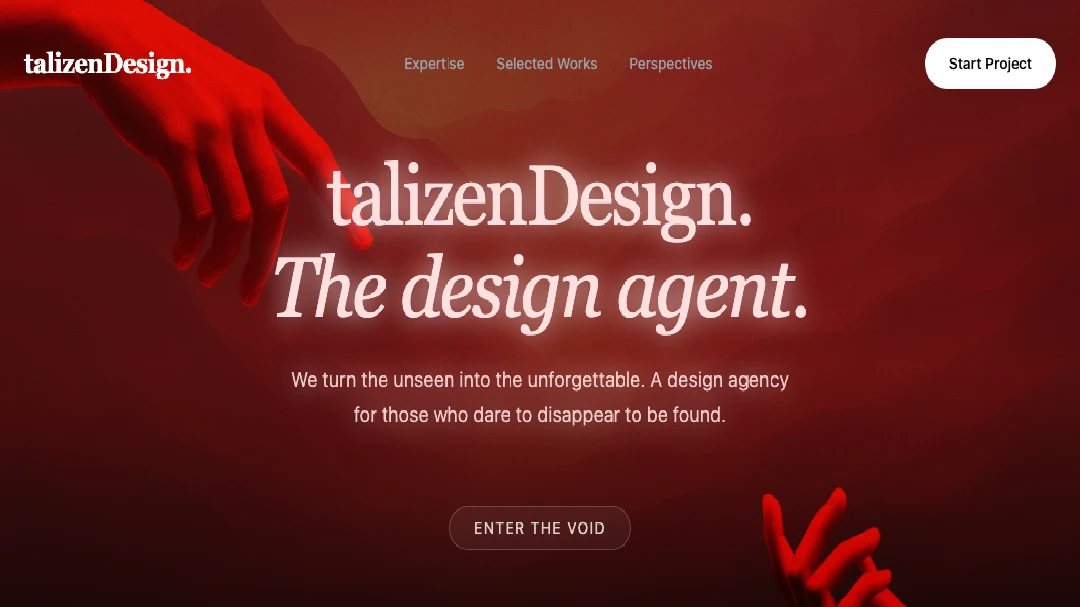
Atmospheric deep red agency preview with serif typography, floating elements, and parallax-style cards.
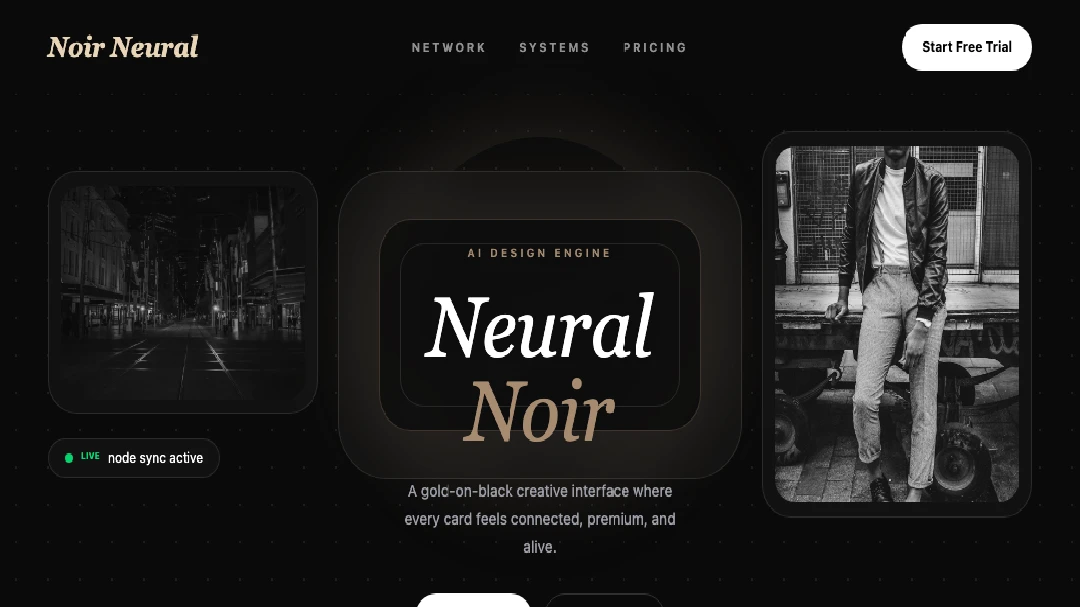
Luxury dark AI interface preview with glass cards and neural connection lines.
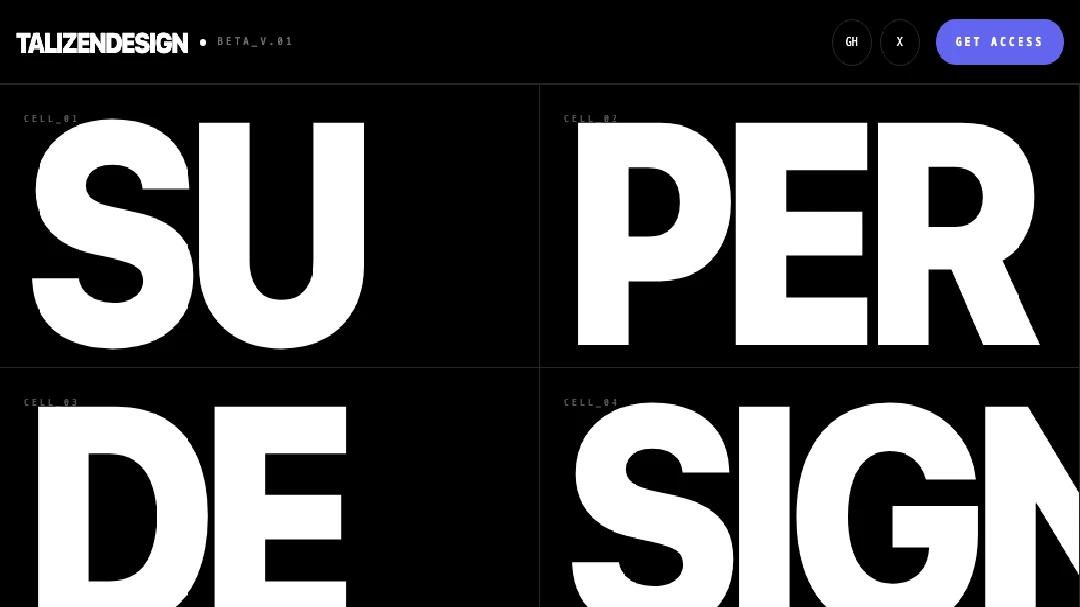
Swiss-brutalist monochrome iframe preview with hairline grid structure.
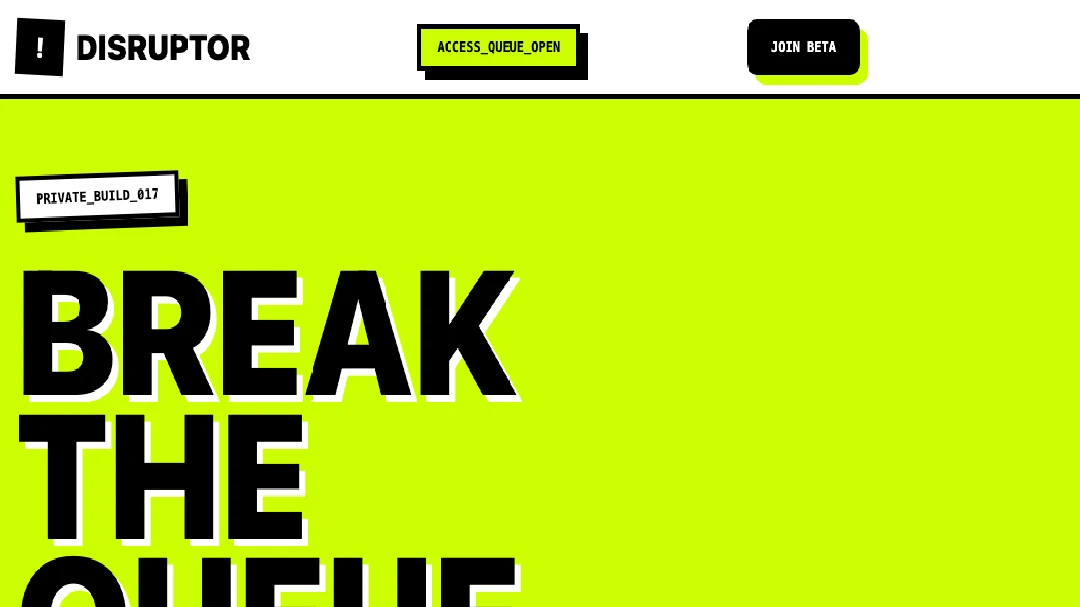
Neo-brutalist iframe preview for a disruptive beta launch.
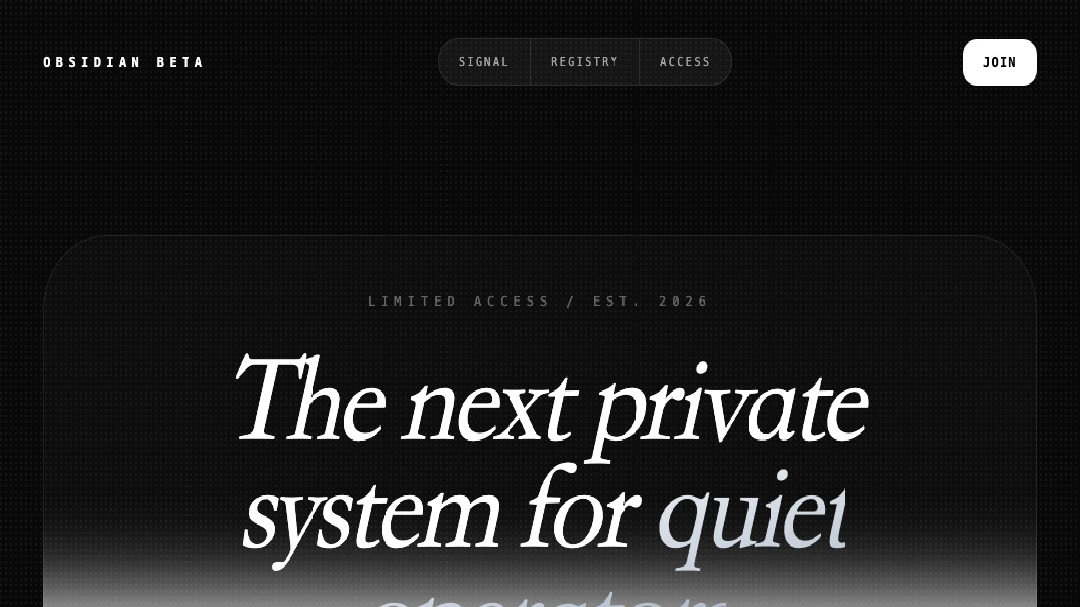
A monochrome obsidian beta capture preview with editorial serif type, glass UI, bento cards, and countdown.
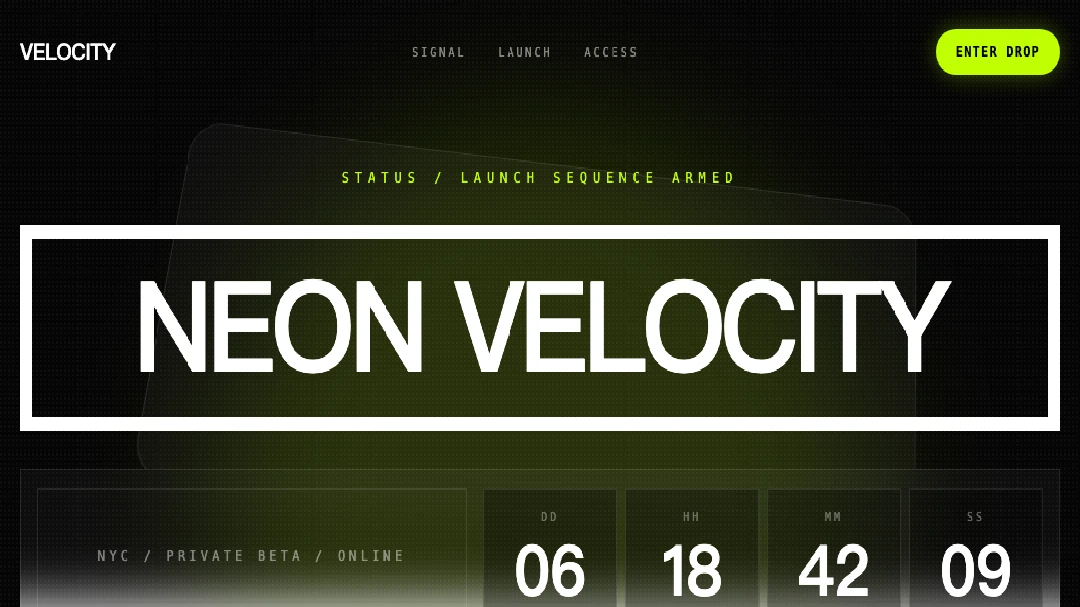
A dark neon countdown preview with laser buttons, glass bento cards, social proof, and mobile nav.
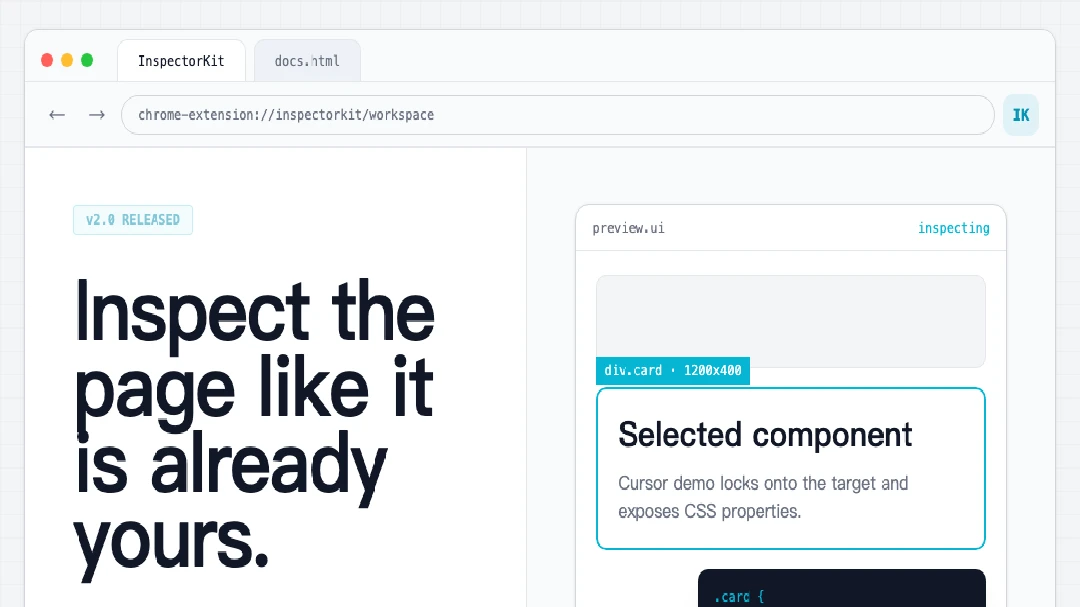
A browser-core developer tool landing page with simulated Chrome UI, inspectors, and README sections.
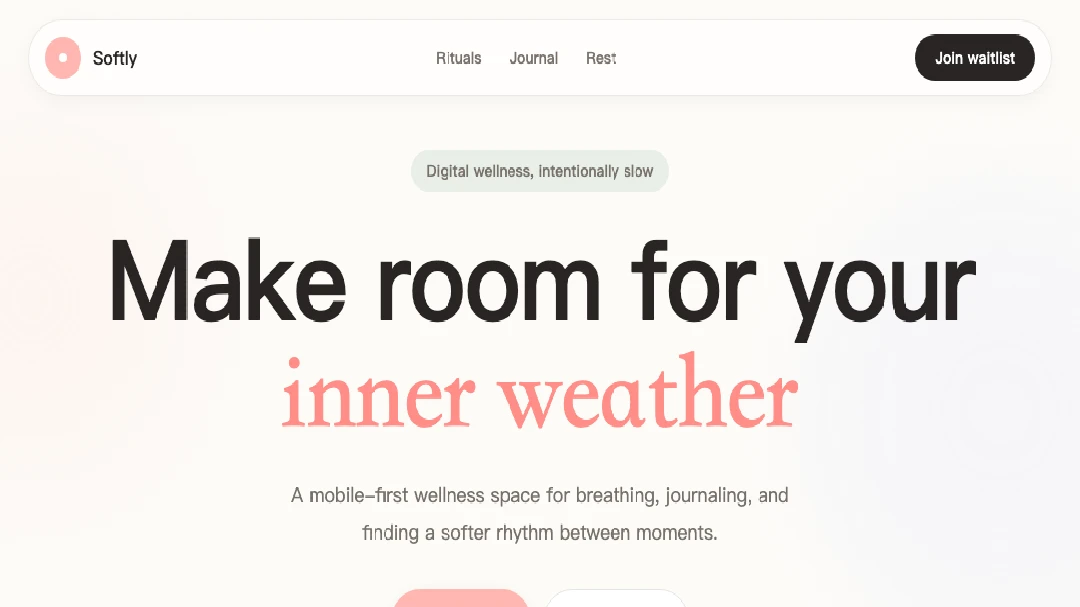
A soft digital wellness app preview with pastel calm, stacked phones, diary notes, and waitlist capture.
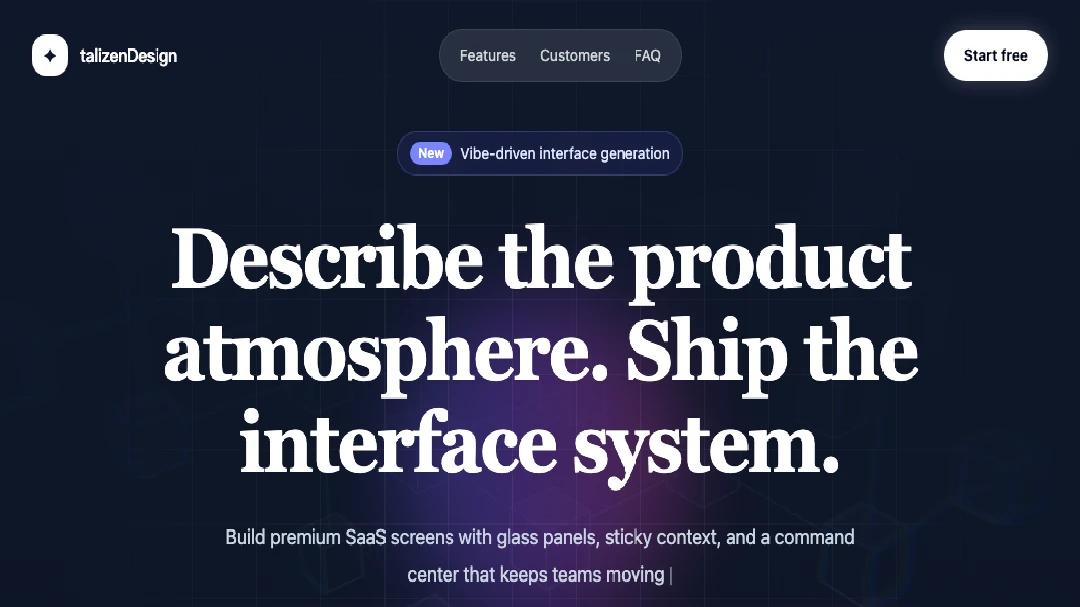
A futuristic atmospheric SaaS preview with a dark glass hero, glowing command input, integration bar, sticky features, testimonials, and FAQ.
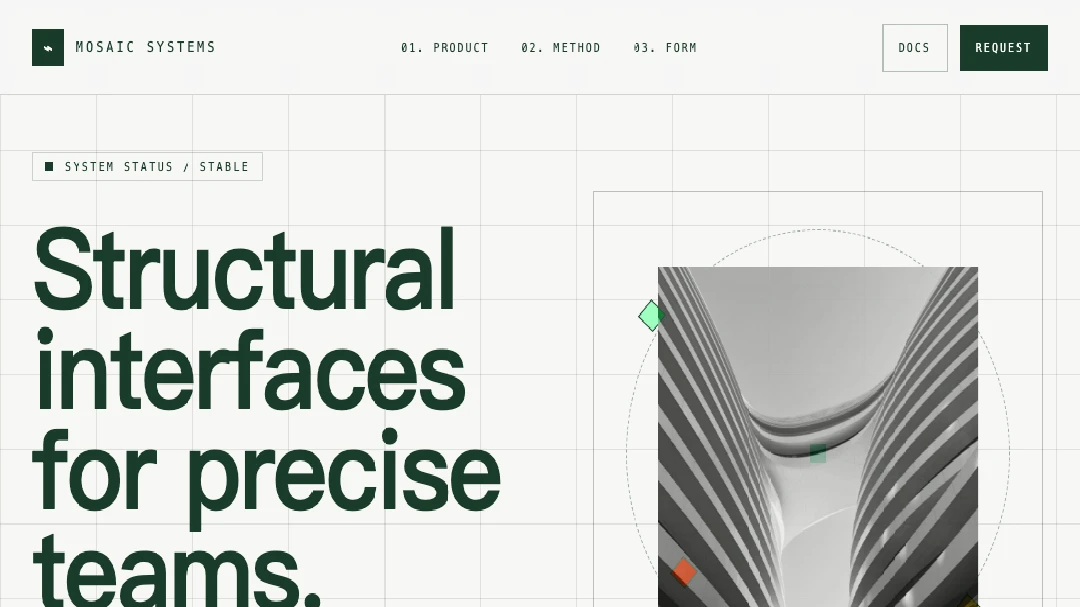
A technical minimalist architecture-style preview with paper surfaces, forest green structure, mosaic grids, and flat wireframe components.
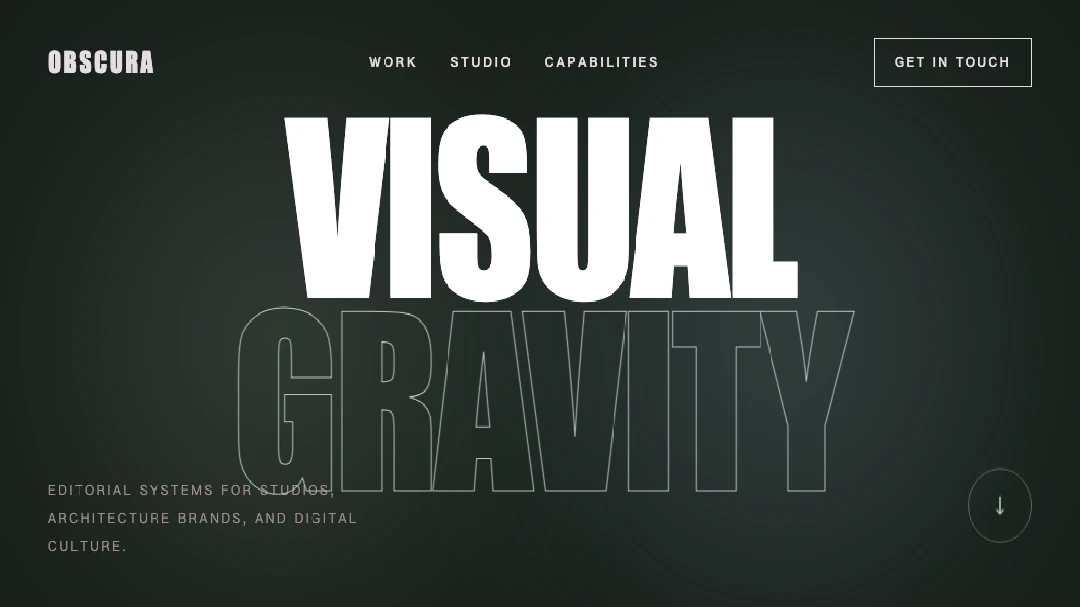
A premium dark editorial portfolio preview with Anton-style type, ambient blurs, asymmetric work cards, and cinematic contrast sections.
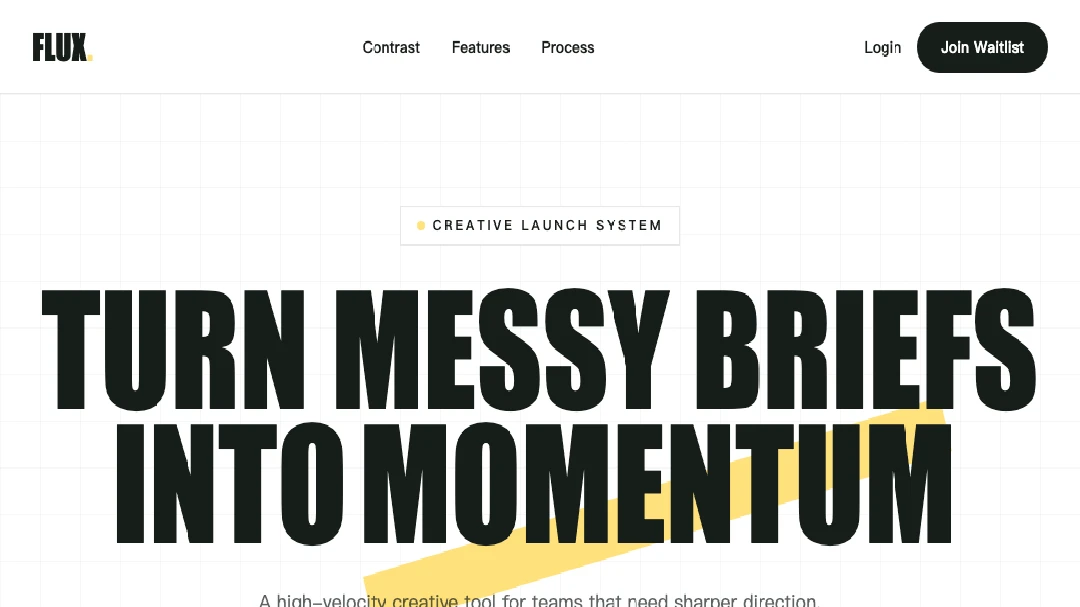
A bold editorial SaaS landing page preview with Anton-style display type, yellow highlights, contrast blocks, and bento feature panels.
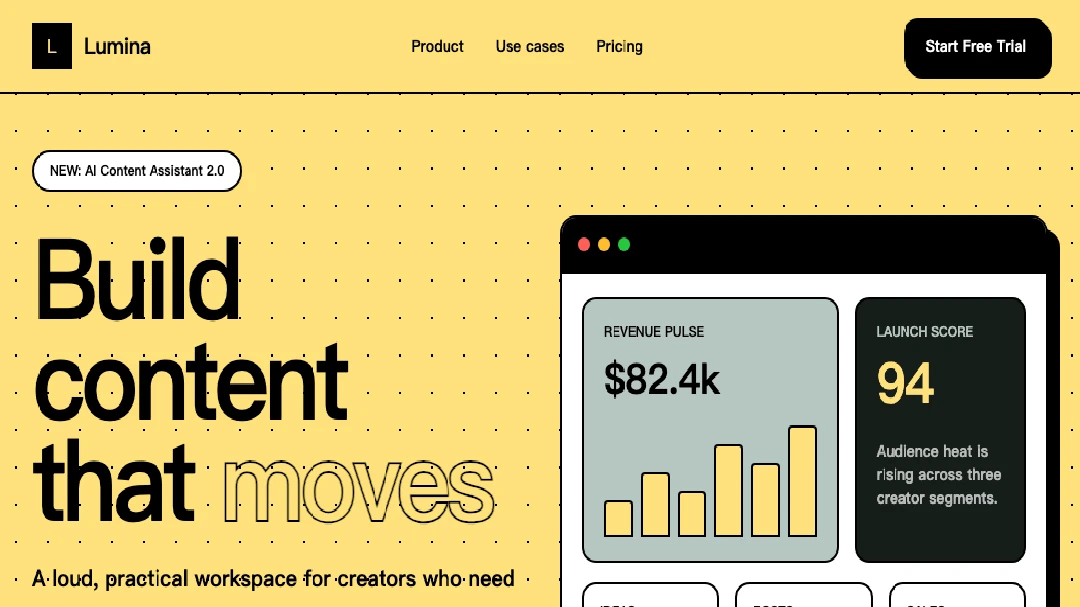
A Neo-Brutalist Lumina SaaS preview with yellow sections, 2px black borders, hard shadows, marquee proof, and bento cards.
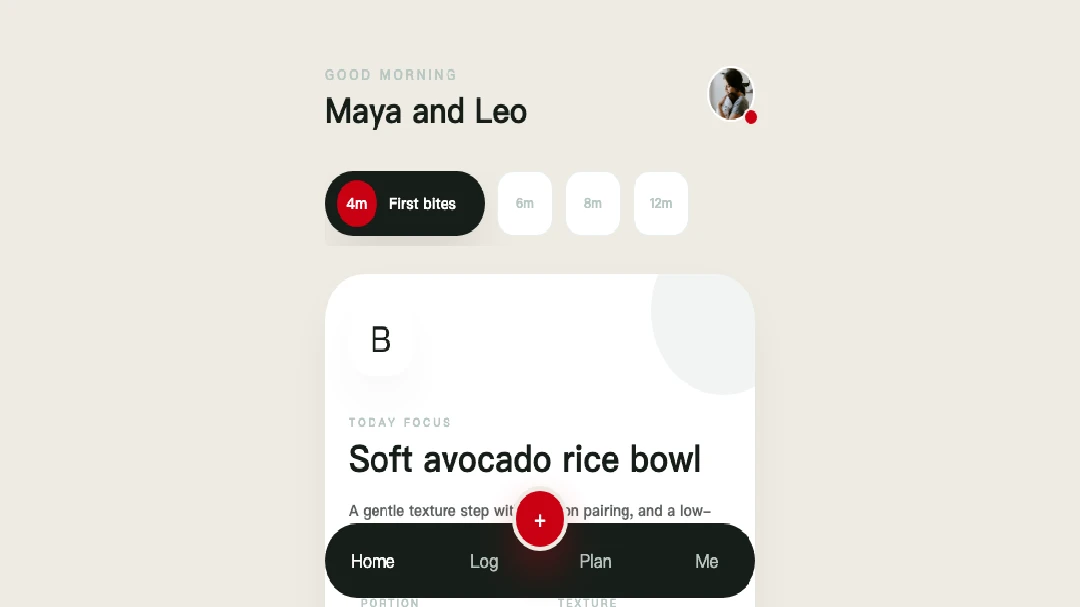
A sophisticated playful BabyBites mobile preview with charcoal, red actions, sage borders, and rounded nutrition cards.
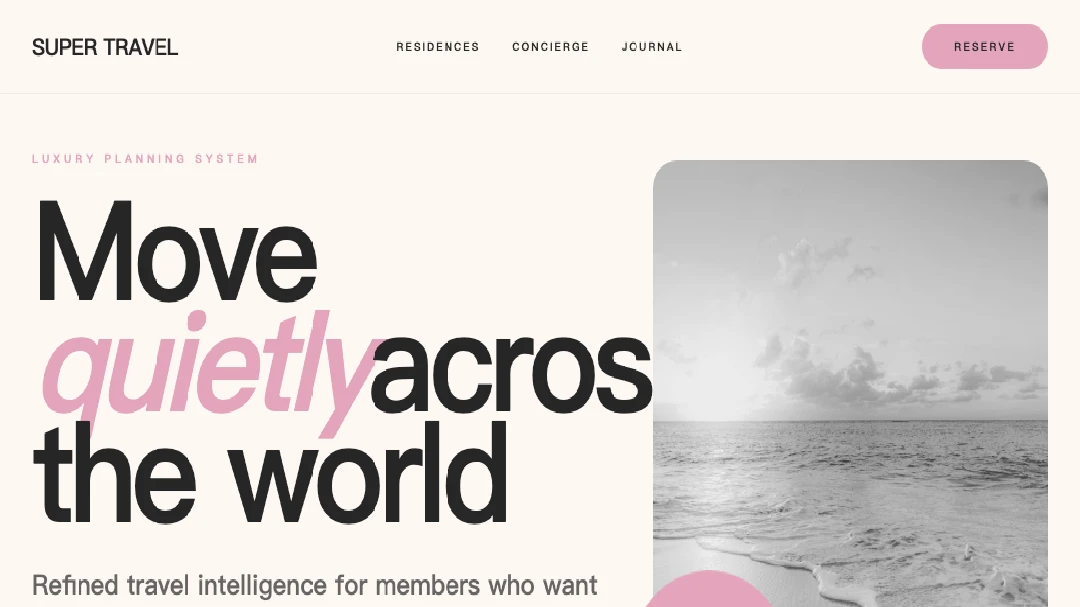
Generated preview for Luxury Focused Design System.
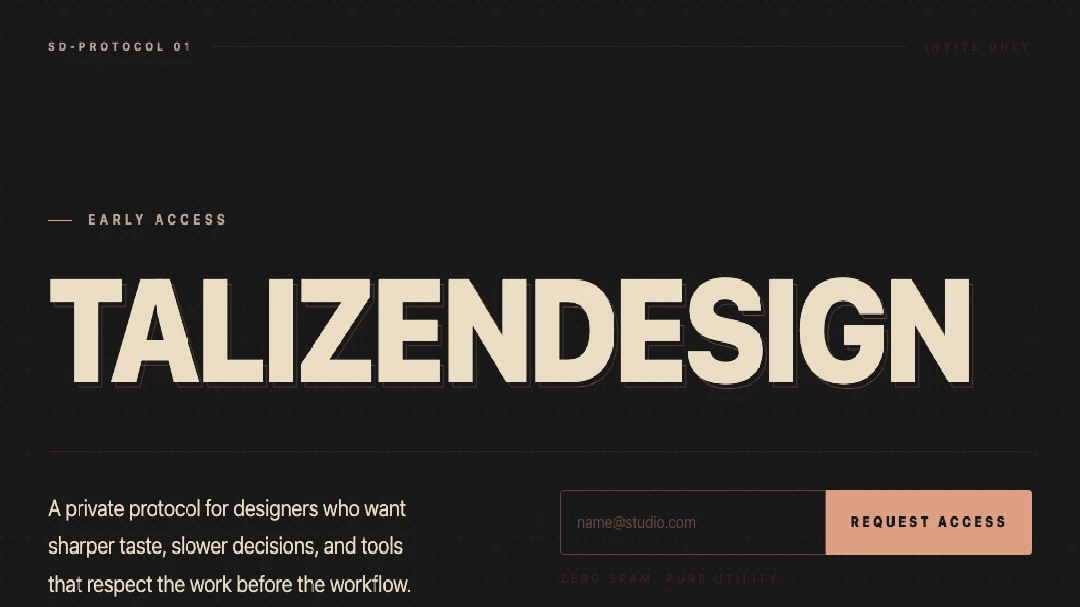
A cinematic editorial waitlist preview with matte charcoal, warm beige type, and coral-rust access controls.
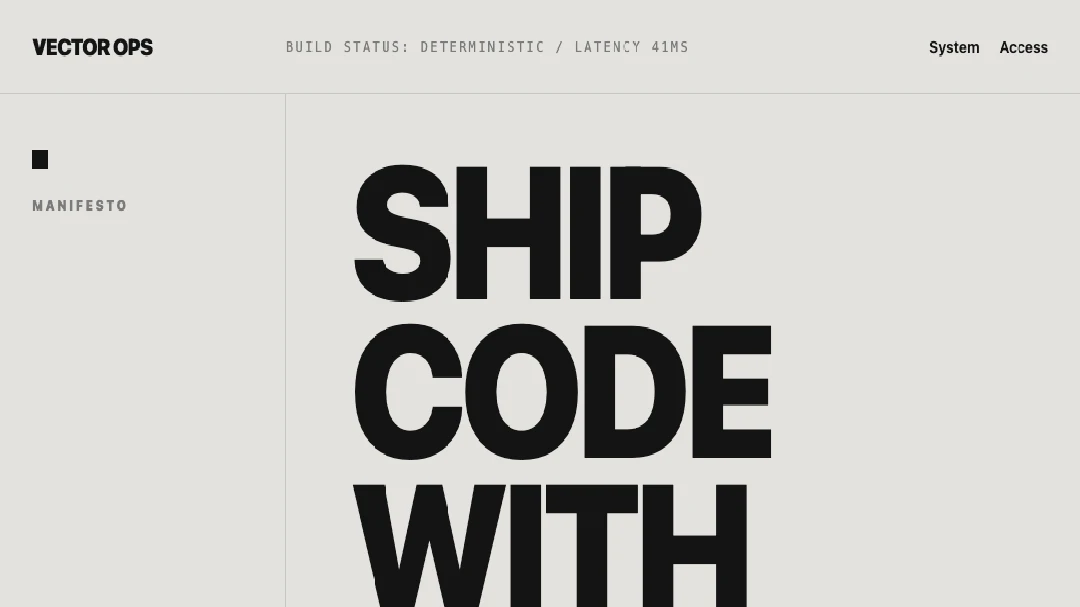
A poster-modernist SaaS landing page preview for a developer tool.
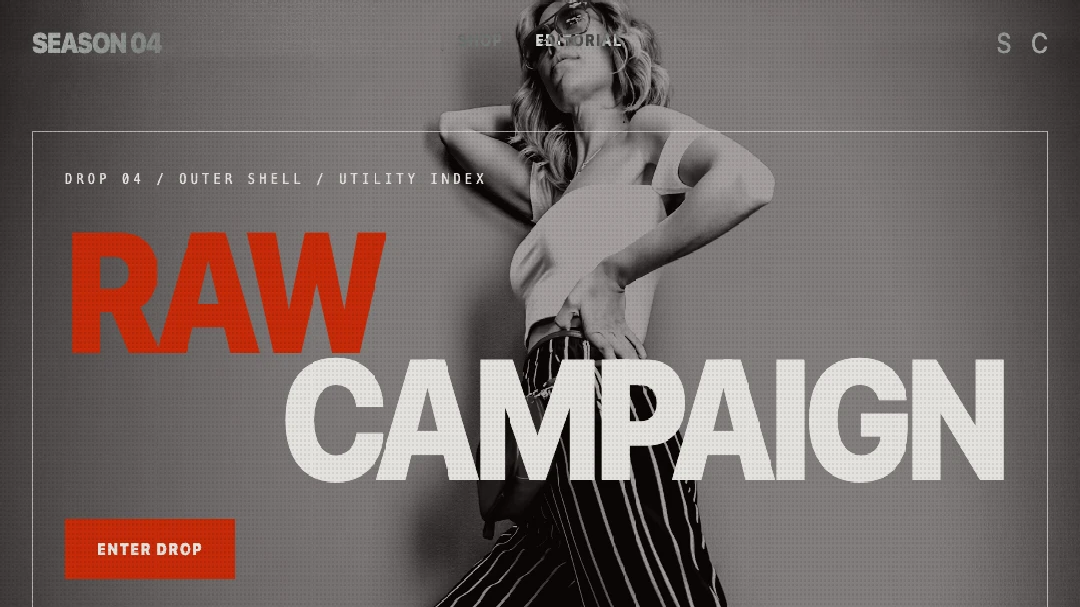
A raw high-fashion brutalist e-commerce preview with noise, neon, and asymmetric grids.
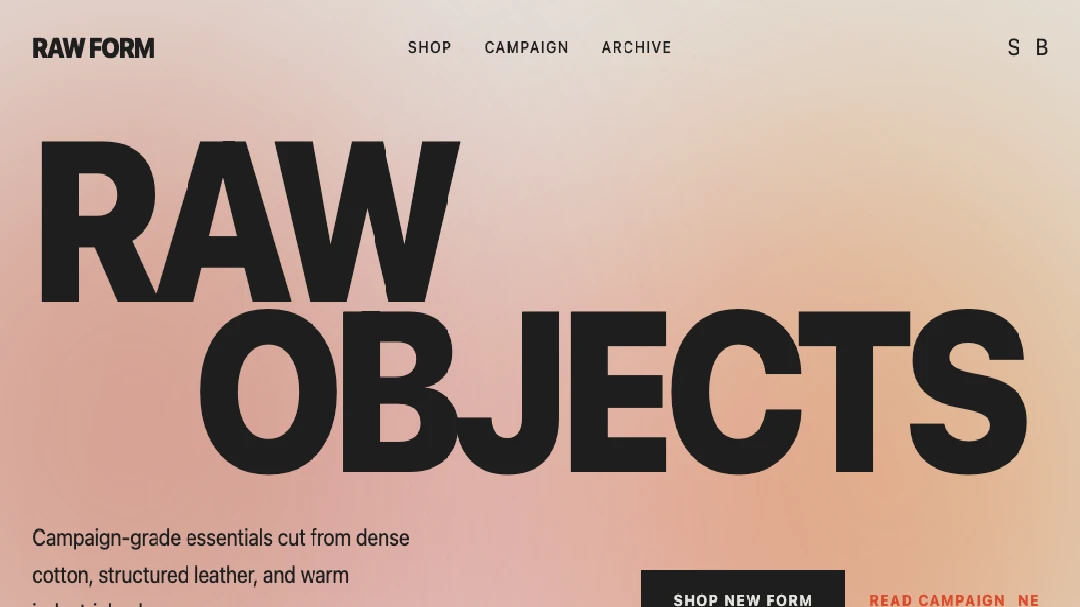
A warm brutalist poster-style e-commerce preview.
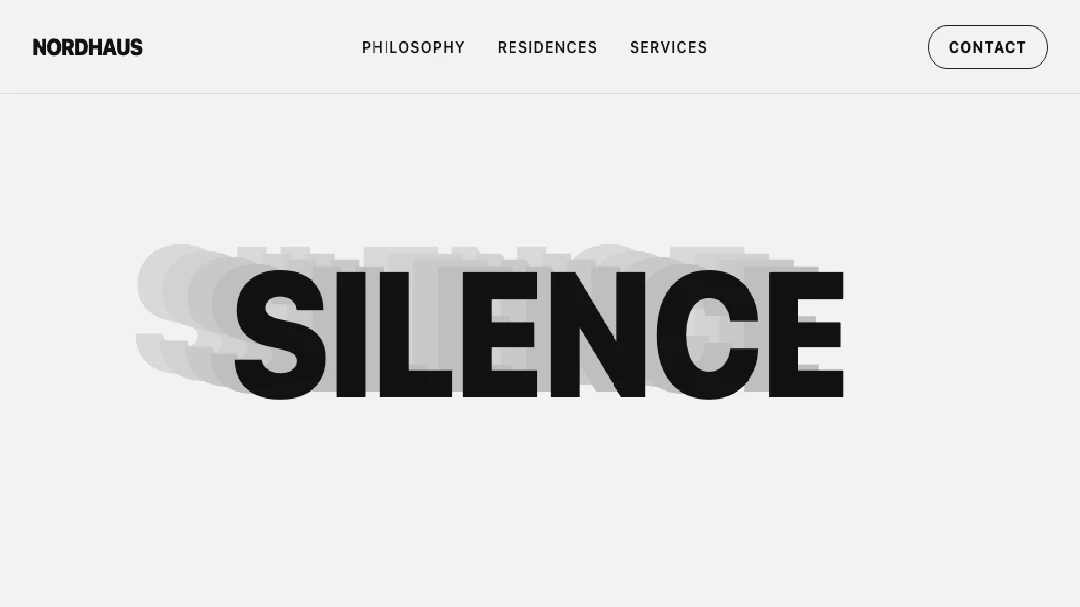
A Swiss-style high-contrast typography landing page preview.
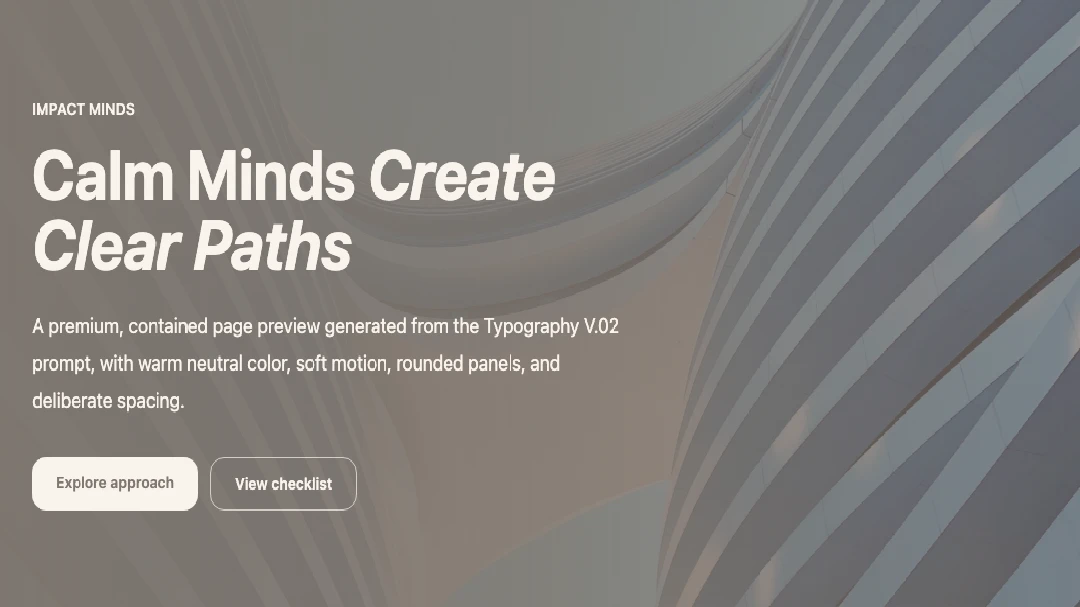
A premium typography and layout preview generated from the Typography V.02 prompt.
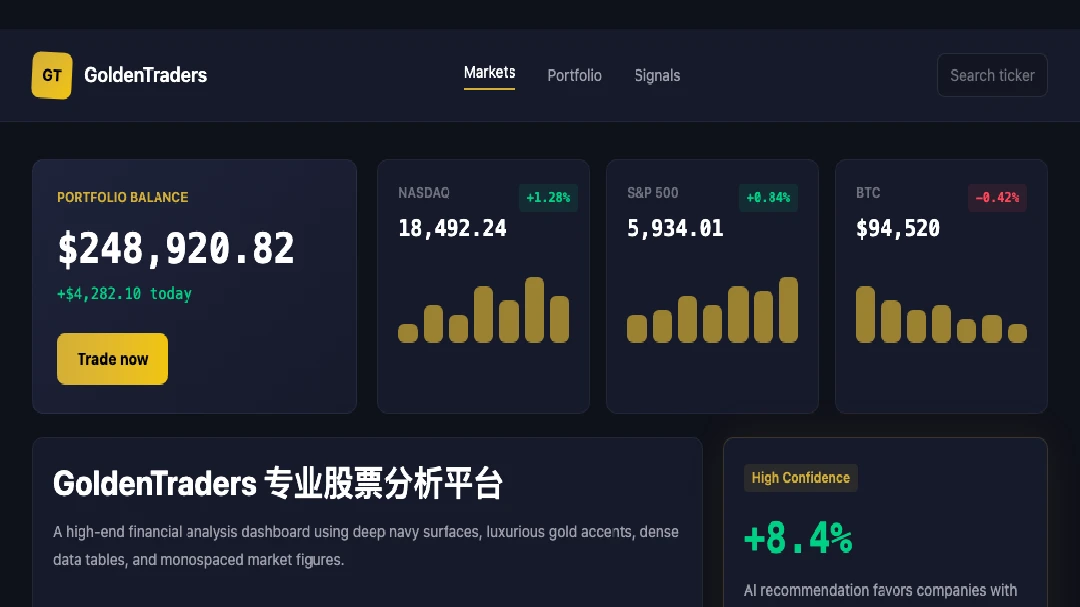
A professional fintech dashboard preview generated from the GoldenTraders prompt.
Render diagnostics